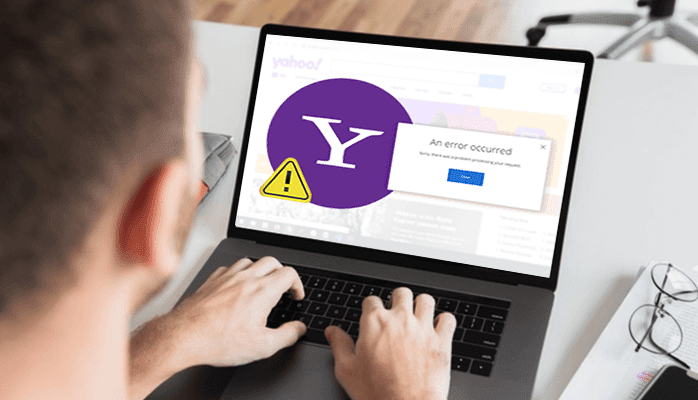
A Yahoo Mail error does not always mean that your password or server settings are wrong. First separate a web-page loading problem from a sign-in problem and from a problem in a third-party email application. Changing several settings at once makes that distinction harder.
Record what actually failed
Note the error text, the time and the device or browser. If you can open your mailbox but one attachment fails, follow the attachment guide rather than resetting your account. If the page itself does not load, test another ordinary website to check the connection.
For a page that will not load correctly
- Reload once, then try an up-to-date alternative browser.
- Save unfinished drafts before clearing the first browser’s cache or restarting it.
- Check that JavaScript is available to the website. Review extensions that alter page loading or block site content.
- Compare with Yahoo on a different device. If it works there, focus on the original browser or device.
Work through one change at a time and retry after it. Avoid repeatedly refreshing a failing sign-in page, changing unrelated DNS or mail-server settings, or switching off antivirus and firewall protection.
For a password error or a sign-in loop
Check the full account name, keyboard capitalization and any password saved by your browser. An old saved password can continue being entered after you changed it. Yahoo’s sign-in guidance recommends using Sign-in Helper when you need account recovery.
If the sign-in page keeps returning, choose Not you? and sign in again with the intended account. If necessary, clear the browser’s Yahoo cookies, restart it and retry. Cookie removal signs sessions out; ensure your recovery methods are accessible first.
For repeated verification or account lockout
Follow the message displayed by Yahoo and stop guessing passwords or codes. A local browser change cannot override an account restriction. Recovery may not be possible when Yahoo cannot verify ownership using the available information. Do not send passwords or verification codes to someone claiming to fix a “server error.”
If Yahoo webmail works but Outlook or another mail app fails, treat that as a separate client setup/authentication issue. Use the provider’s current setup instructions instead of copying old POP/IMAP values from an unrelated error article. Yahoo’s official help page is the appropriate next step for account-specific restrictions or persistent errors.
Source review: 12 October 2026. Prepared by Number Customer Care Editorial Desk from the official documentation below. Menu labels and feature availability can vary by account, region and app version.
Official sources
Number Customer Care is an independent information website and is not affiliated with the companies mentioned. We cannot access, recover or change your account. Use the provider’s own website for account-specific assistance.